
Download Romeo Burner – Burner, Media Copy, Disc Creator
Overview
Romeo Burner is a mobile application designed to simplify the process of burning and copying various types of media to physical discs. Its core purpose lies in streamlining what can often be a complex task into a few straightforward steps, making it accessible to users of different technical skill levels. The app addresses common challenges associated with disc creation, such as navigating multiple settings, managing file formats, and ensuring compatibility across devices. It is particularly useful for individuals who need to back up data, create audio CDs, or transfer video and image files to physical media for sharing or archival purposes.
Target users include students, professionals, and hobbyists who rely on disc-based storage or distribution. The app’s support for rewritable media and command-line operations indicates a dual focus—catering to both casual users and more advanced individuals seeking greater control. Although the developer did not provide additional technical details, the app’s release date of June 18, 2008, suggests it has been in use for over a decade, indicating a level of stability and proven functionality. Its presence in the mobile ecosystem reflects a niche but enduring need for reliable disc management tools on smartphones and tablets.
Key Features & Functionality
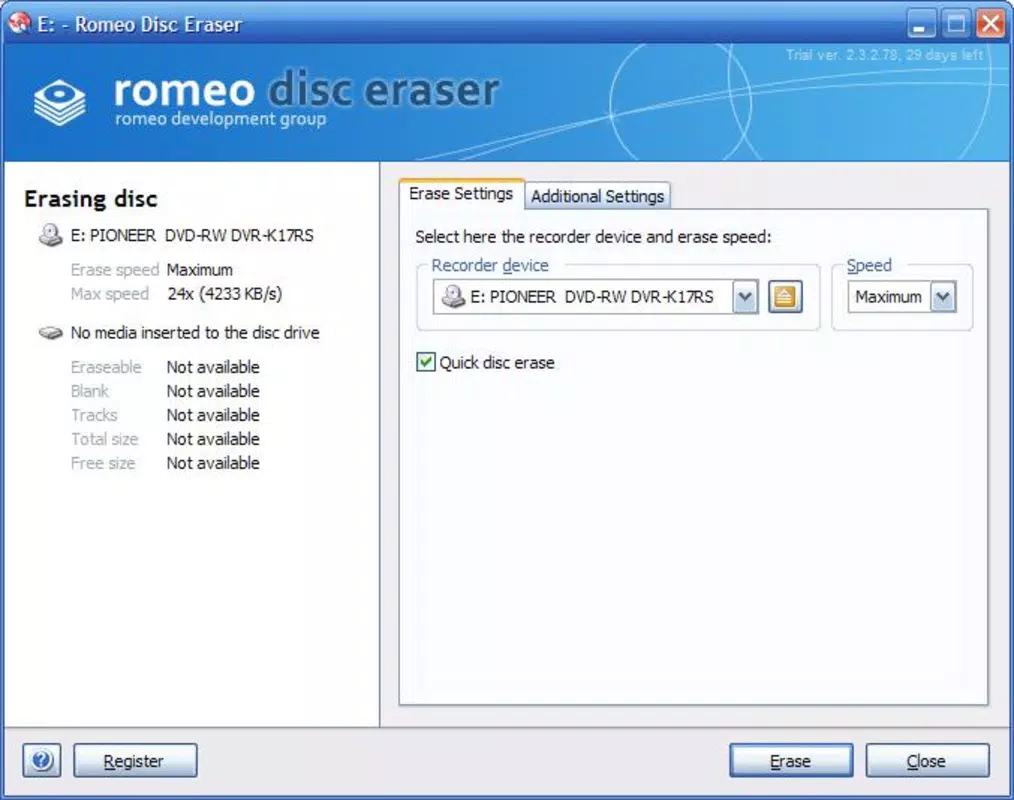
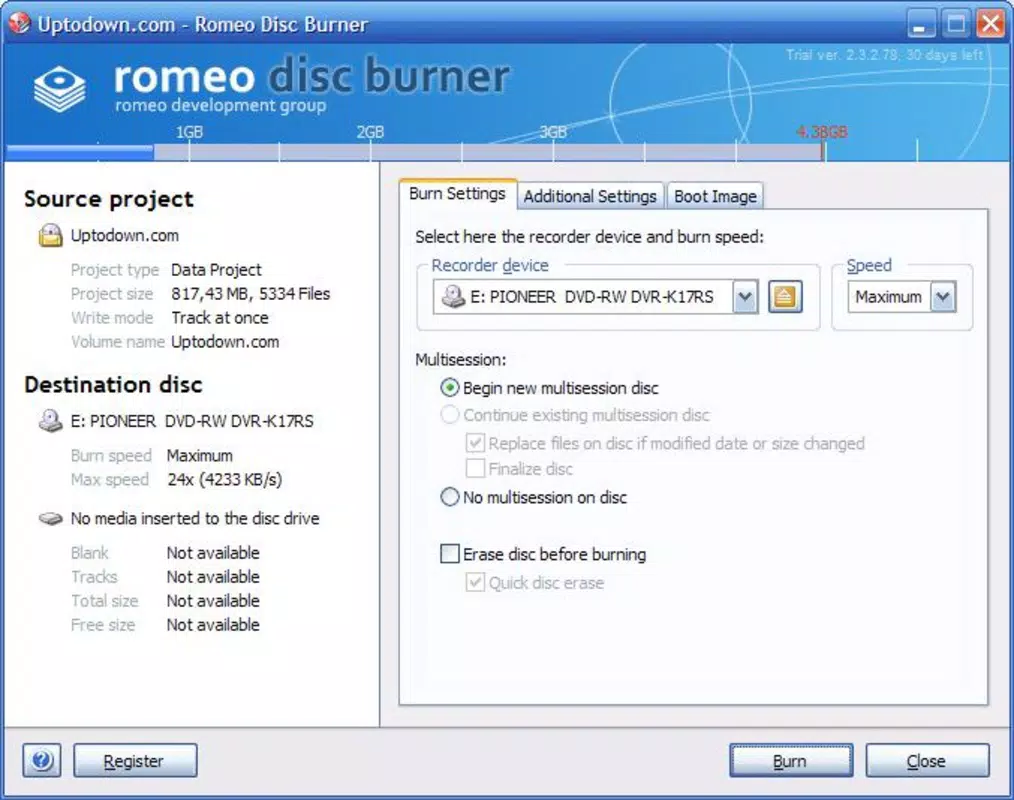
- Multiple Creation Modes: Romeo Burner offers several predefined modes for creating new discs, enabling users to quickly select the appropriate method based on their media type. Whether burning a data disc, audio CD, or video DVD, the process is optimized to require no more than three steps, significantly reducing user effort and minimizing errors.
- Diverse Media Support: The app supports the copying of audio, video, data, and image files. This versatility allows users to create music CDs from digital libraries, back up documents, or produce video discs for presentation or personal use. The ability to copy on the fly enhances efficiency, especially when dealing with large files.
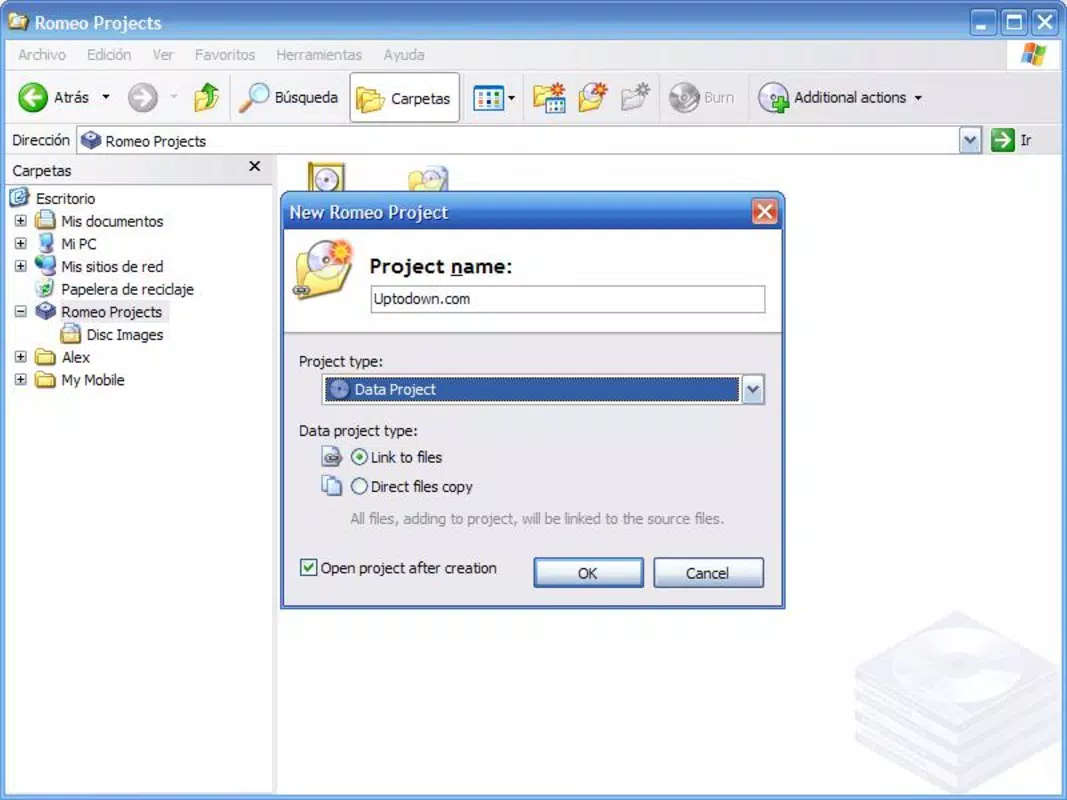
- Project Management: Users can save, organize, and reuse projects, which is ideal for those who perform regular backups. This feature reduces redundant setup and ensures consistency across multiple disc creation sessions, improving workflow efficiency.
- Rewritable Media Compatibility: By supporting rewritable CDs and DVDs, Romeo Burner enables users to update or modify existing discs without needing new media. This functionality promotes sustainability and cost savings over time.
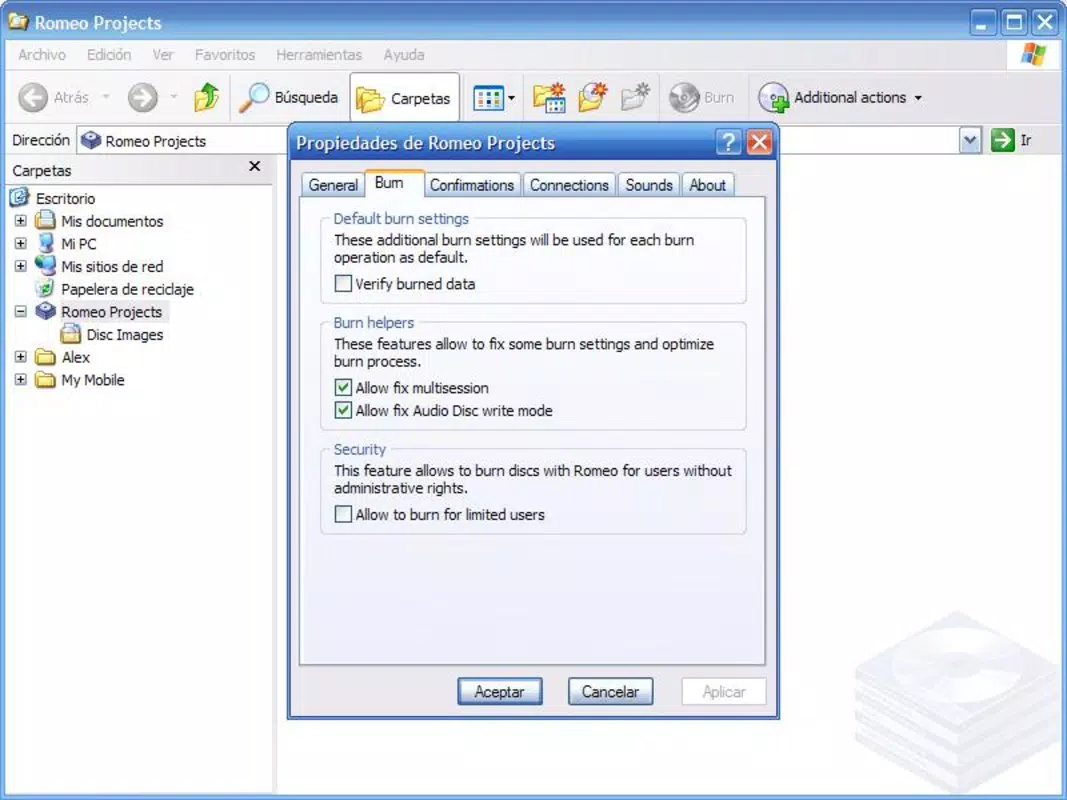
- Command Line Support: Advanced users can leverage command-line functionality to automate tasks, integrate with scripts, or perform batch operations. This feature extends the app’s utility beyond the graphical interface, appealing to power users and system administrators.
For example, a student could use Romeo Burner to compile a multimedia project and burn it to a disc for a class presentation, while a photographer might use it to archive image collections on rewritable DVDs. The app’s structured approach ensures that even complex operations remain manageable.
Interface, UX & Performance
Romeo Burner features a clean, intuitive interface designed around simplicity and efficiency. The layout emphasizes essential controls, minimizing clutter and guiding users through each step of the disc creation process. Navigation is straightforward, with clear labels and logical progression between stages, which reduces the learning curve for new users. Visual feedback during burning operations helps users monitor progress and detect issues early.
Although the developer did not list formal performance metrics, the app’s long-standing presence in the market suggests consistent responsiveness across various device categories. It likely performs well on mid-range and high-end smartphones and tablets, though specific optimization details were not disclosed. Stability appears to be a strength, given its release date and continued availability. The app maintains a lightweight footprint, which contributes to smooth operation even on older hardware. Users can expect minimal lag during file selection and disc writing, though actual performance may vary based on device capabilities and media quality.
Platform Compatibility & Technical Requirements
Romeo Burner is available for Android and iOS platforms, with a software version released on June 18, 2008. The app’s file size is not specified in the provided information, but its functionality suggests it is optimized for mobile environments. The developer did not specify minimum OS requirements, nor did they list compatibility details for specific device models or hardware configurations.
Users should ensure their device supports external disc drives or USB OTG functionality if physical disc burning is to be performed directly. While the app may support such hardware through external accessories, this was not confirmed in the input data. Compatibility with different disc types (CD-R, DVD-R, CD-RW, DVD-RW) was not fully disclosed, though the app’s description implies broad support.
Pros and Cons
Pros
- Simple, step-by-step interface for easy disc creation
- Supports multiple media types: audio, video, data, and images
- Project management enables efficient reuse and organization
- Compatibility with rewritable discs for repeated use
- Command-line interface for advanced automation and control
Cons
- Specific technical requirements and OS compatibility were not listed
- File size and update frequency are unknown
- External hardware support (e.g., USB burners) not confirmed
- No information on real-time performance metrics or error handling
- Limited visibility into recent updates or development activity
FAQ
Is Romeo Burner safe to download and use?
Yes, the app has been available since 2008 and is designed to perform disc-related tasks securely. As with any app that interacts with system resources, users should ensure they download from official sources.
Can I use Romeo Burner on both Android and iOS?
Yes, the app is available on both Android and iOS platforms, though specific compatibility details were not provided by the developer.
Does Romeo Burner support external disc drives?
While the app may support external drives via USB OTG or Bluetooth, the developer did not confirm this functionality in the provided information.
How often is Romeo Burner updated?
There is no public information on update frequency. The last known release was in 2008, but the app may have received minor updates since then.
Can I burn music CDs using Romeo Burner?
Yes, the app supports audio disc creation, allowing users to burn music files into standard audio CD format for playback on standard CD players.
Final Thoughts
Romeo Burner stands out as a reliable, no-frills solution for mobile users who need to burn or copy media to physical discs. Its combination of simplicity, versatility, and advanced features makes it a valuable tool for both everyday users and technical professionals. The app’s ability to manage projects, support rewritable media, and offer command-line access ensures it remains relevant even in a digital-first world. While some technical details are missing, its long-standing presence and clear functionality suggest it delivers consistent performance.
Those who frequently back up data, create multimedia discs, or work with physical media will find Romeo Burner to be a dependable companion. Its streamlined workflow and robust feature set offer strong value for users seeking a dedicated disc creation tool.
Download Romeo Burner now


